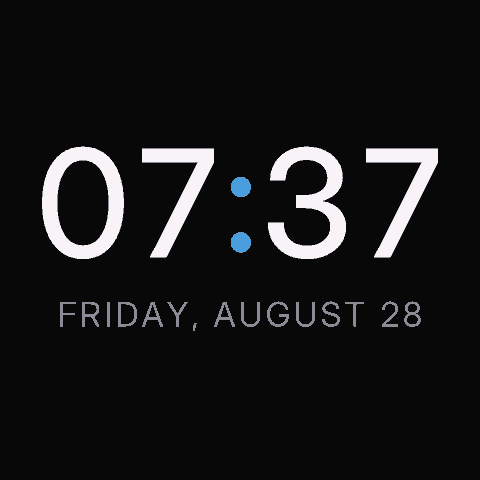
clock local
Big-ass digital clock with the date beneath, 12- or 24-hour, in the device's time zone. Refreshes on the minute.
The Hosaka Computer is a small desk display that sits on a shelf and rotates through apps -- a clock, the weather, photographs and more.
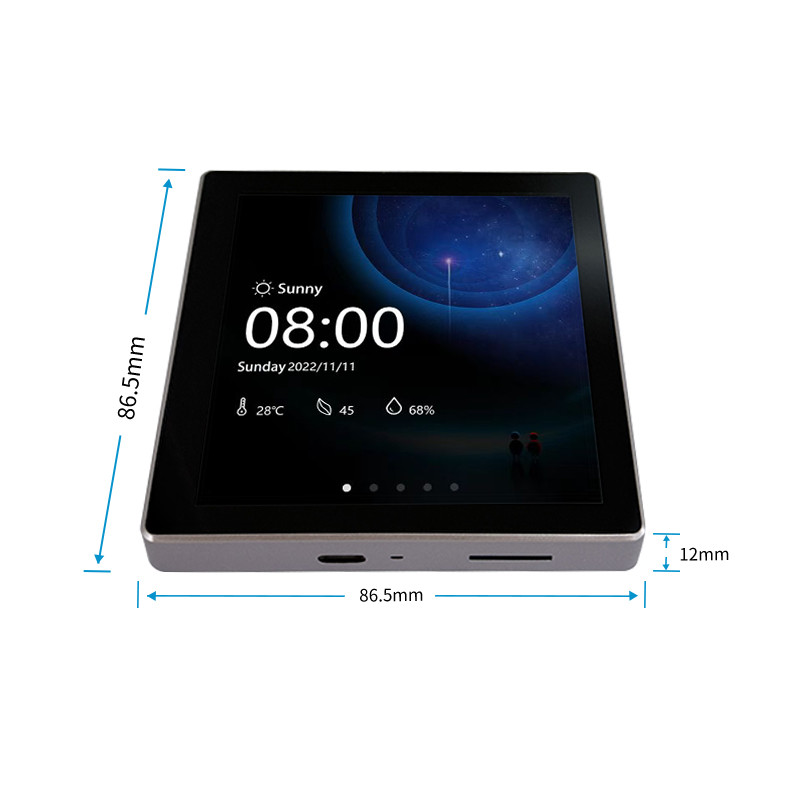
Big-ass digital clock with the date beneath, 12- or 24-hour, in the device's time zone. Refreshes on the minute.
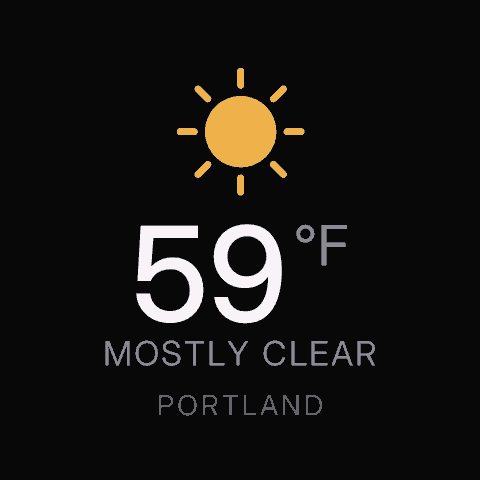
Current conditions: temperature, conditions, place name. One per city if you like.
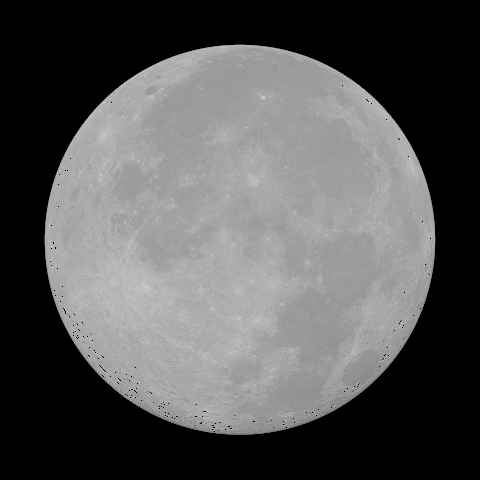
The motherfucking fucking moon: phase, libration and tilt

Upload images, even animated GIFs play
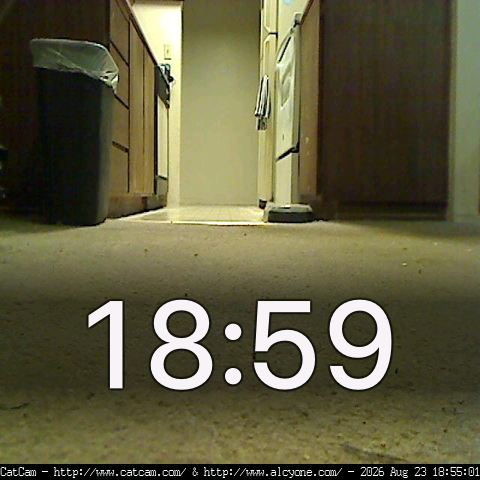
Note: Cat may not be present. Check local showtimes.
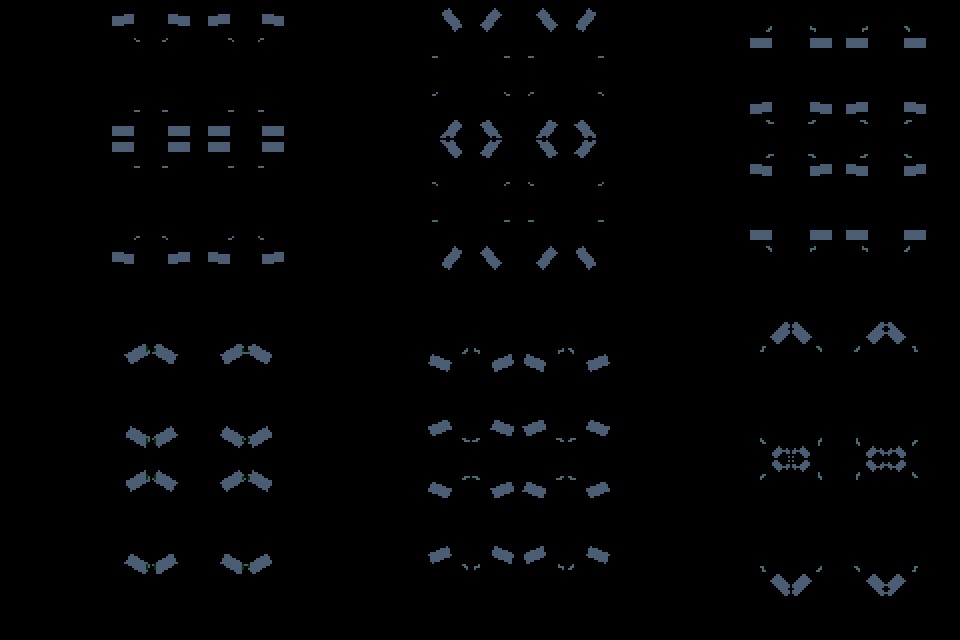
A captured xscreensaver segment, played as a looping animation.

One large random emoji

Random postage stamp
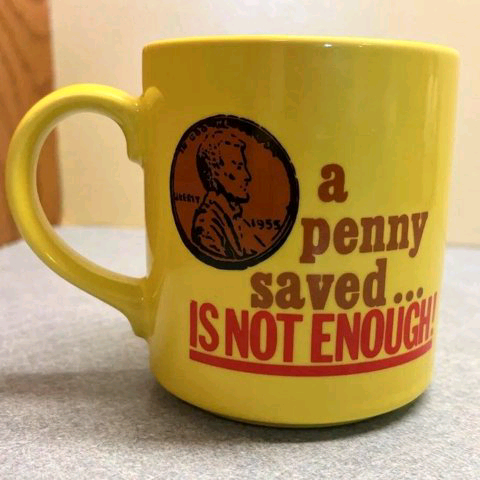
Mugs from eBay

Frame-grab from The Simpsons
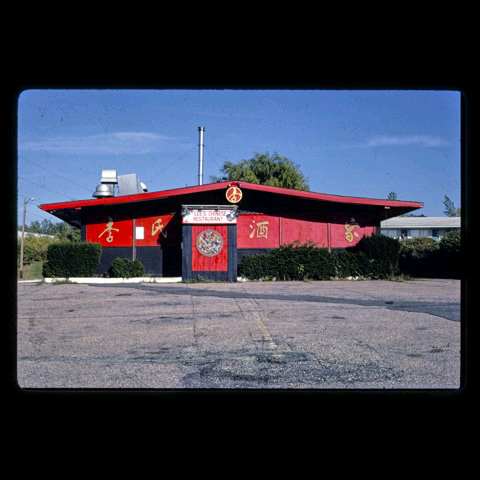
Public domain photographs from the John Margolies roadside america archive in the library of congress
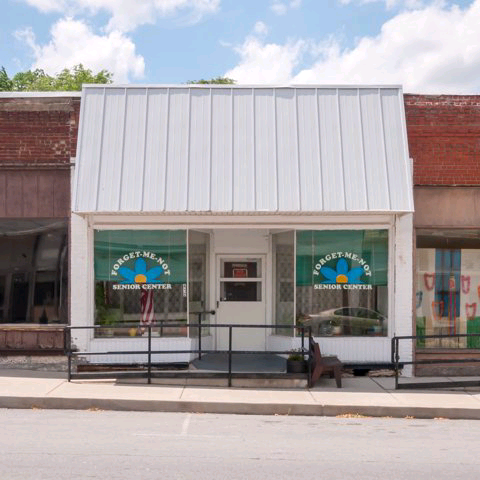
Photographs from the Rural Indexing project

Retro TV commercial stills
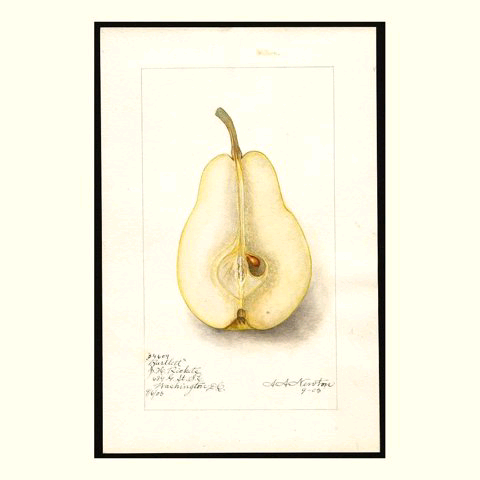
Random images from the Pomological Watercolor Collection in the USDA's national agricultural library
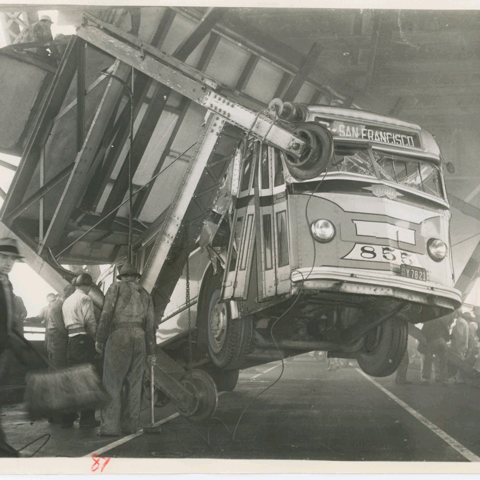
Random image from specified Internet Archive collections

Calibration cards: colour bars, type-size ladder, gradient ramps, geometry grid
Every picture is drawn on a server. All the hardware does is request the next image to show on a cadence, looping forever.
The device fetches /frame over HTTP, sending its ID and a one-line health report
The server looks at the device's rotation, works out which app is up from the clock, renders a 480×480 PNG -- usually a few kilobytes -- and sends it back
Put 'em on the glass, girl
It's a Tidbyt but instead of 64x32 we get 480x480.
Every device gets its own page where you can add and remove apps, tweak settings (location, time zone, temperature scale) and see a live preview.
An ordered list of apps, each shown for n seconds. Some apps can appear more than once -- weather in two cities, several notes.
A stash is a named slot holding one picture. Anything that can make an HTTP PUT can post to it, and the matching app on the panel shows whatever was posted last.
A stash can also hold a short block of text -- "today's menu", a message wall, whatever you want to post.
A stash can be flagged so that a new post takes the panel for 30 seconds regardless of where the rotation is, then hands back. Used to keep the clock up to date + apps like "Spotify Now Playing".
Swipe left or right to move through the rotation. Long-press for on-device menu.
A panel with no credentials scans for networks, lists them with signal bars, and gives you an on-screen keyboard for the password: 1
Apps can return a short looping GIF clip.
Every poll carries uptime, free memory, Wi-Fi signal, die temperature and failure counts. The panel can even show its own health as an app.
For the nerds in my life
hosakad, renders frames, serves the owner pages and takes stash uploadsgo test ./... runs every app's golden-image test with nothing else runninghosakactl mints device identities and stash tokens. A serial console on the panel dumps and seeds settings, adjusts the backlight and dumps the framebufferI love my Tidbyt but its days are numbered. Someday their servers will go offline and the device will be cooked. The Tronbyt project is a great idea, don't get me wrong, I just wanted to build my own toy.
Claude is writing the C++ and Go, I'm writing anything a human is expected to read. As evidence I offer profanity and spelling errors.
14-Aug-2026
Came across this Live Usage Display project, ordered a board from AliExpress when I saw the price: ~$28 USD
15-Aug-2026
Created a backend in Go, read everything I could about the Guition ESP32-4848S040, ESP-IDF, Arduino and pio. Started designing an API and gathering data sources. Plenty of prior art to examine.
22-Aug-2026
Board arrives. 4K lines of C++ later and I got to fuck around & find out: It works pretty well!
28-Aug-2026
Everything shown is working. Ordered more boards. Currently chasing a display anomaly I've called "the slip".
The stash apps above are fed by small scripts that run on a schedule somewhere else. The whole contract is a 480×480 PNG, JPEG or GIF, under 512 KB, and a token.
A writer picks a picture, fits it to the square, checks its own work and posts it. If the picture is wrong -- the wrong size, too big, half-written -- the server says so immediately, and the panel keeps showing the last good one.
Post the same bytes twice and nothing happens. Delete the stash and the app draws a card saying so. There is no queue, no history and no schedule: the panel changes when you post, and not before.
curl -X PUT \
  -H "Authorization: Bearer $TOKEN" \
  -H "Content-Type: image/png" \
  --data-binary @frame.png \
  "$BASE/stash/mugs"

{ "name": "mugs", "format": "png",
  "width": 480, "height": 480,
  "bytes": 174037, "changed": true }